
Student ID Card Generator
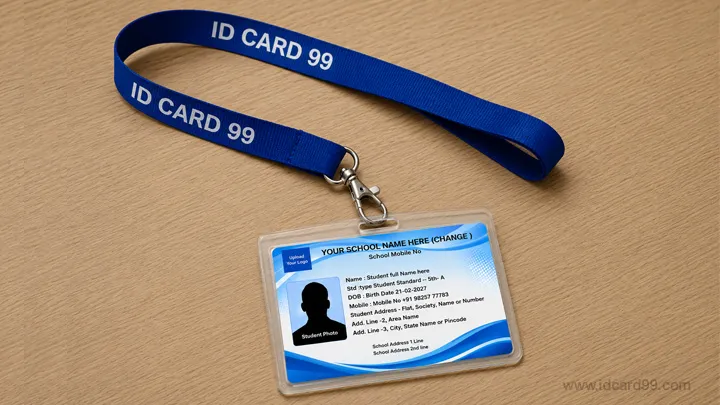
Prepare a school ID card with a student photo, school details, class and contact information.
Use GeneratorChoose a student, employee or visitor card maker, enter the relevant details and review the card before downloading it.
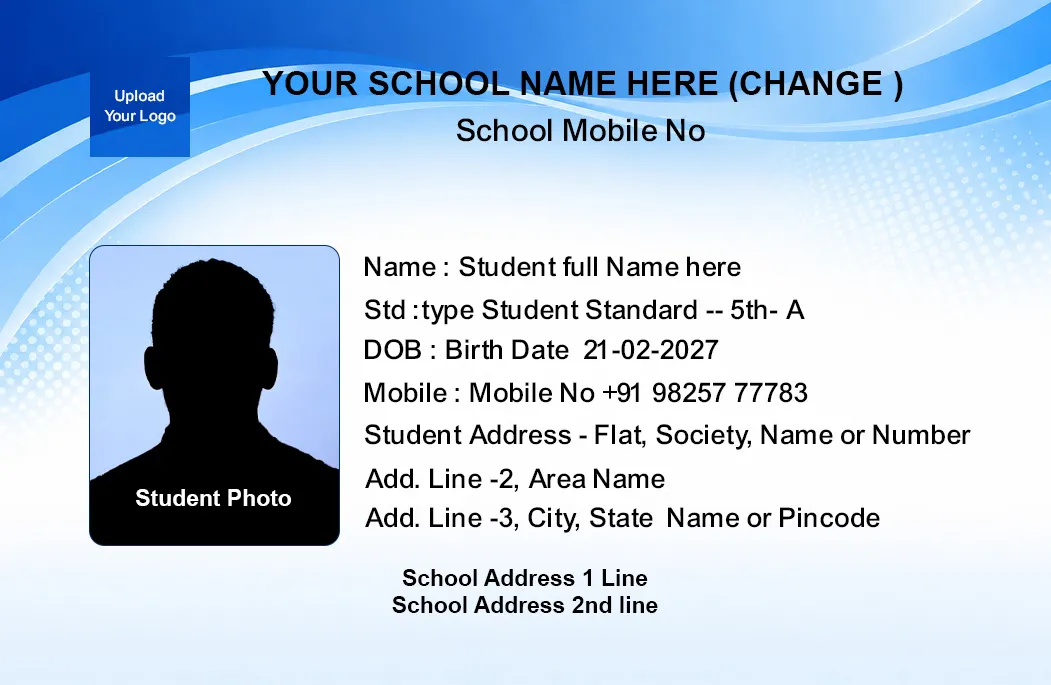
Prepare a school ID card with a student photo, school details, class and contact information.
Use Generator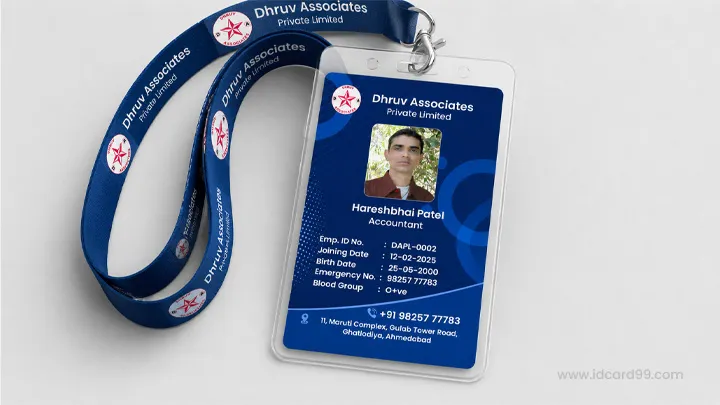

Prepare a staff card with an employee photo, company logo, designation and workplace details.
Use Generator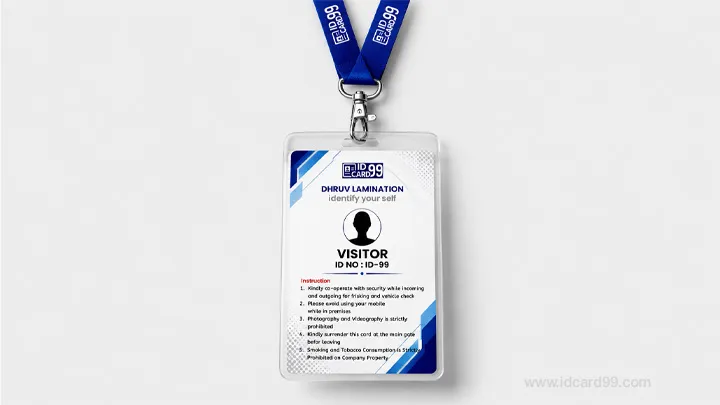

Create numbered temporary visitor badges for reception desks, offices and controlled premises.
Use Generator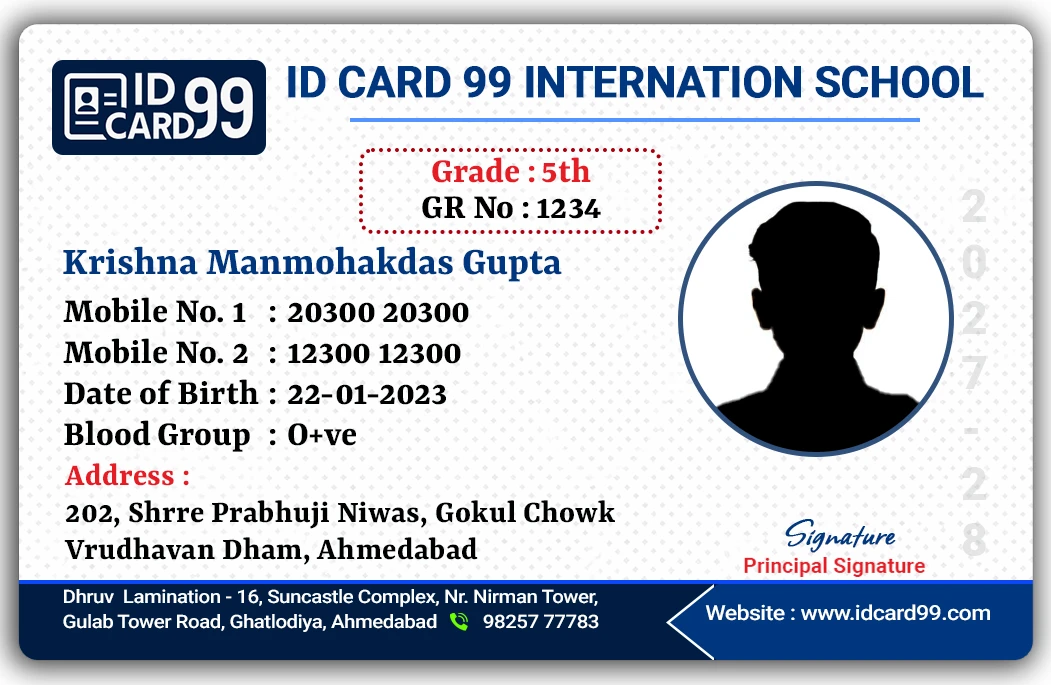
Try a public horizontal student ID card demo with photo cropping, editable details and JPG download.
Open Public DemoIDCard99 provides separate generators for common identification needs instead of using one generic form for every card. Schools can prepare student card drafts, employers can create staff badges, and reception teams can make numbered visitor passes.
Each generator includes fields designed for its purpose. You can add the available details, upload approved JPG, PNG or WebP images, check the preview and download the result as a JPG for review or printing.
The tools can be used by authorized schools, colleges, offices, factories, hospitals and other organizations that need a clear, consistent card layout. The generated image should still be checked by the responsible administrator before it is issued.
Every generator is intended for authorized identity card design work only. Before printing or distributing any card, confirm that you have permission from the relevant school, company or organization and that all personal details are accurate.

Use only approved information and close the page after finishing on a shared device.

Create cards only for a real school, company or organization that has given permission.

Check the complete preview before downloading the generated card as a JPG image.

Open the forms on a phone, tablet or desktop browser.
The current forms send the entered text and prepared image data to a private preview page for the immediate result. The preview pages are marked noindex and the generator does not intentionally save the submitted cardholder data or images as files on the server.
Personal information still appears in your browser and is transmitted to create the preview. Use only approved details, avoid public or shared devices, download the result, and close the preview when finished. Do not use these generators for confidential government credentials, fake cards or information you are not authorised to process.

Choose the approved photo or logo requested by the form.

Position the face clearly inside the available crop area.

Add only accurate information that you are authorized to use.

Review spelling, numbers, dates, branding and images.

Download only after the responsible organization approves it.
Use our free online tools to crop photos, generate QR codes and optimize images.
Visit the download section for free employee ID card templates and school ID card designs.
Learn more about international ID card size standards from ISO/IEC 7810 .
Yes, all basic ID card generators on our website are free to use.
Yes, you can upload logos, photos and custom text.
Yes, the generator works on phones, tablets and desktop computers.
The current student, employee and visitor generators download the completed card as a JPG image after you review the preview.
We also provide PVC ID card printing, RFID cards, NFC cards and smart card solutions.
Contact Us Explore Card TypesIf our free tools, templates and resources helped you, you can support us with a small contribution.
Support Us